Search and structure
Explore title tags, search snippets, image descriptions, schema and an illustrative crawler reading the headings.
// INTERACTIVE WEBSITE DEMO
Explore a working wireframe. See how layout, trust and clear actions help customers take the next step.
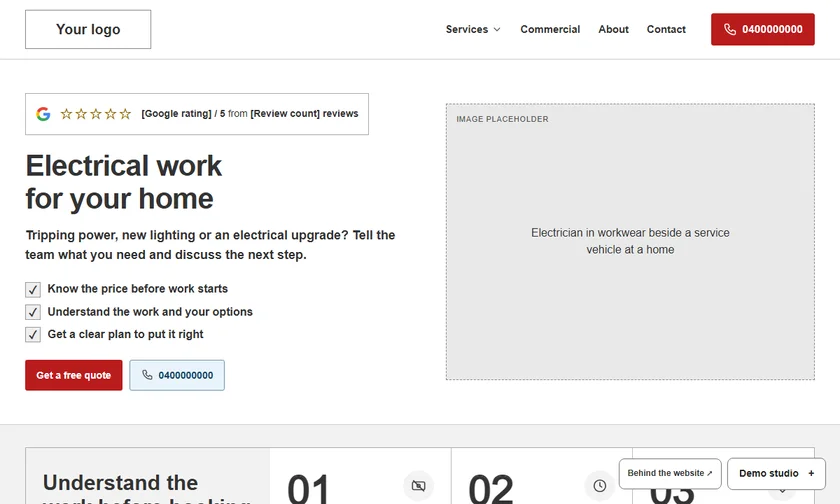
Enter your name, phone and email once. This browser remembers your access.
// THE MOBILE EXPERIENCE
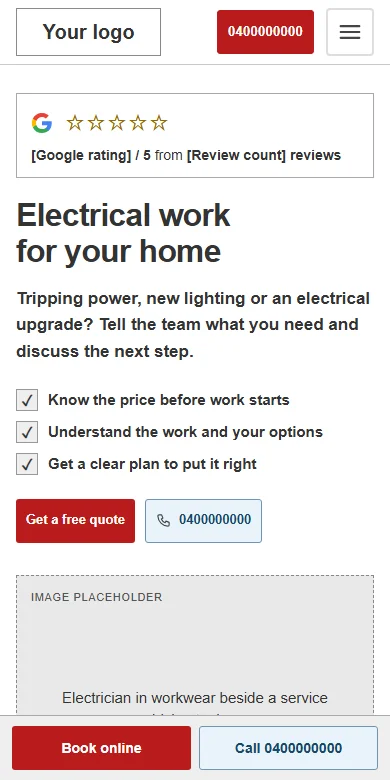
Watch the electrician demo on a phone. Menus, service cards and enquiry buttons need to work in the space customers actually have.
The preview shows the actual demo at a mobile width. The interactive demo also includes a mobile walkthrough in Behind the website.
// BUILD THE PAGE AS YOU SCROLL
This preview switches hero social proof and benefits on and off. In the demo, open Demo Studio and choose Show or Hide to compare the page yourself.
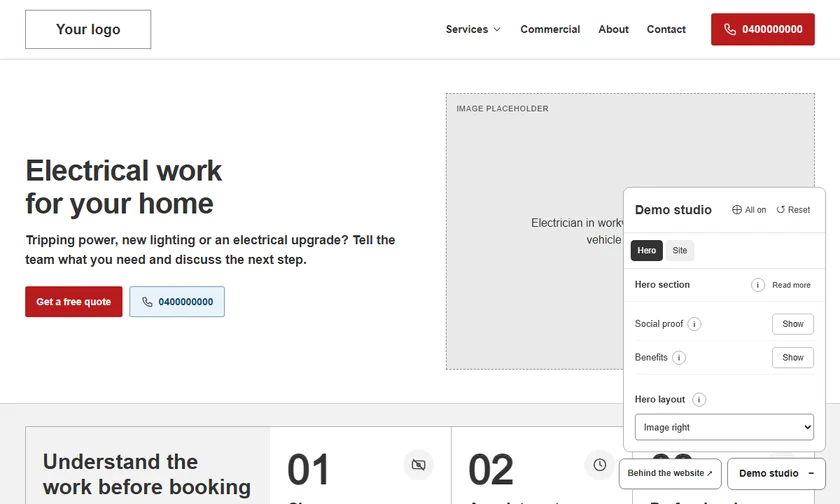
Optional elements begin hidden. Add reviews, benefits, contact details and calls to action as you go.
Hover over the information buttons or expand the section explainer. The controls follow the section you are viewing.
Change the hero layout and process steps, or use All on and Reset to see the whole page change.
// BEHIND THE WEBSITE
Explore title tags, search snippets, image descriptions, schema and an illustrative crawler reading the headings.
See why enquiry delivery, analytics and advertising conversions need their own setup and checks.
Open the wireframe, make a few changes and compare what each element adds to the customer experience.
Unlock the demo →This is an educational demo with sample business details. Quote, booking and popup forms inside the wireframe are demonstrations.